// the entire API
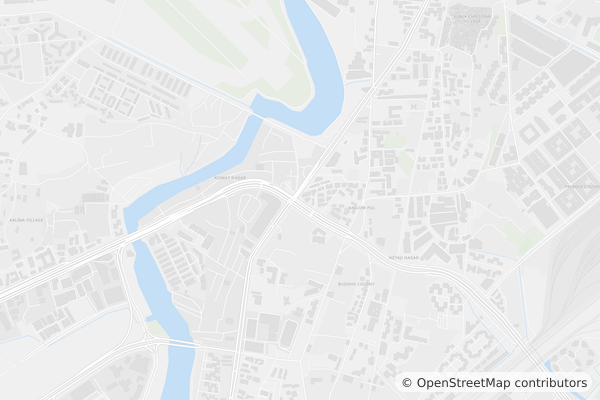
GET https://api.mapsum.dev/800/500?city=london&style=light
How it works.
A URL is the entire interface. Pick the dimensions you want, drop the URL into your markup, and you have a map.
Lorem Mapsum generates map images from OpenStreetMap data. Pick your dimensions, choose a city and style, and get a PNG, JPEG, or WebP image back.
- 01
Pick your dimensions
Width and height in pixels go in the path. Anything from 10 to 4000.
/800/500 - 02
Drop the URL in your code
It is just an image. Use it anywhere an image works.
<img src="https://api.mapsum.dev/800/500"/> - 03
Get a map
Cropped, resized, and cached at the edge. Same URL, same image, every time.
Playground.
Adjust any parameter and the preview updates instantly. Copy the URL, the <img> tag, or the markdown.
Snippets.
Lorem Mapsum is a URL, so it works in every framework, every templating language, every editor.
<img src="https://api.mapsum.dev/600/400" alt="Map placeholder" width="600" height="400" />
.hero {
  background-image: url('https://api.mapsum.dev/1920/1080?style=dark');
  background-size: cover;
}
export function Map({ width, height }) {
return (
<img
src={`https://api.mapsum.dev/${width}/${height}`}
alt="Map placeholder"
/>
);
} 
API reference.
The path holds the dimensions. Everything else is a query parameter.
Returns map images for ten cities: London, Paris, New York, Tokyo, Sydney, Dubai, Sao Paulo, Cape Town, Mumbai, and Singapore.
| Parameter | Default | Description |
|---|---|---|
:width | required | Image width in pixels (10–4000). |
:height | required | Image height in pixels (10–4000). Append .jpg, .webp or .png to set the format. |
city | random | City slug. Try london, tokyo, singapore. |
style | light | One of light, dark, blueprint. |
zoom | random | One of city, district, neighbourhood. |
seed | — | Same seed always returns the same image. |